JazzCash
×

HOW CAN WE HELP YOU TODAY?

  • QR / Raast Payments
  • Payment Gateway
  • Tap on Phone

RAAST QR

Raast QR lets merchants accept instant payments from any bank app or wallet in Pakistan. Customers scan the QR to pay, and funds are credited to the merchant’s JazzCash Business account in real time. It also supports Till ID payments, enabling an offline payment option.

Key Benefits

Accept payments from all bank apps

Accept payments from all bank apps

Get instant wallet settlements

Get instant wallet settlements

Reduce cash handling risks

Reduce cash handling risks

Improve liquidity and transparency

Improve liquidity and transparency

FAQs

image
Who can pay using Raast QR?

Any customer using a participating bank app or wallet in Pakistan.

Are payments instant?

Yes, funds are credited in real time.

Is additional hardware required?

No, only a printed or digital QR is required.

Are there transaction limits?

Yes, limits apply as per SBP regulations.

Disclaimer:
  • Cash kam, asaani zada, ab kisi bhi banking app se JazzCash Raast QR ko scan karein aur payment wasool karein.
  • Subject to SBP regulations.
  • Transaction limits may apply.
  • Applicable fees disclosed within the app.

Helpline: 8000 UAN: 111-118-000

Secure. Fast. Simple.

Make Payments Online at Your Favourite Stores.

Key Benefits

Exclusive Discounts

Exclusive Discounts

5+ Payment Methods Supported

5+ Payment Methods Supported

Safe & Secure Payments

Safe & Secure Payments

Instant and Easy Checkout

Instant and Easy Checkout

Arrow Right

How It Works

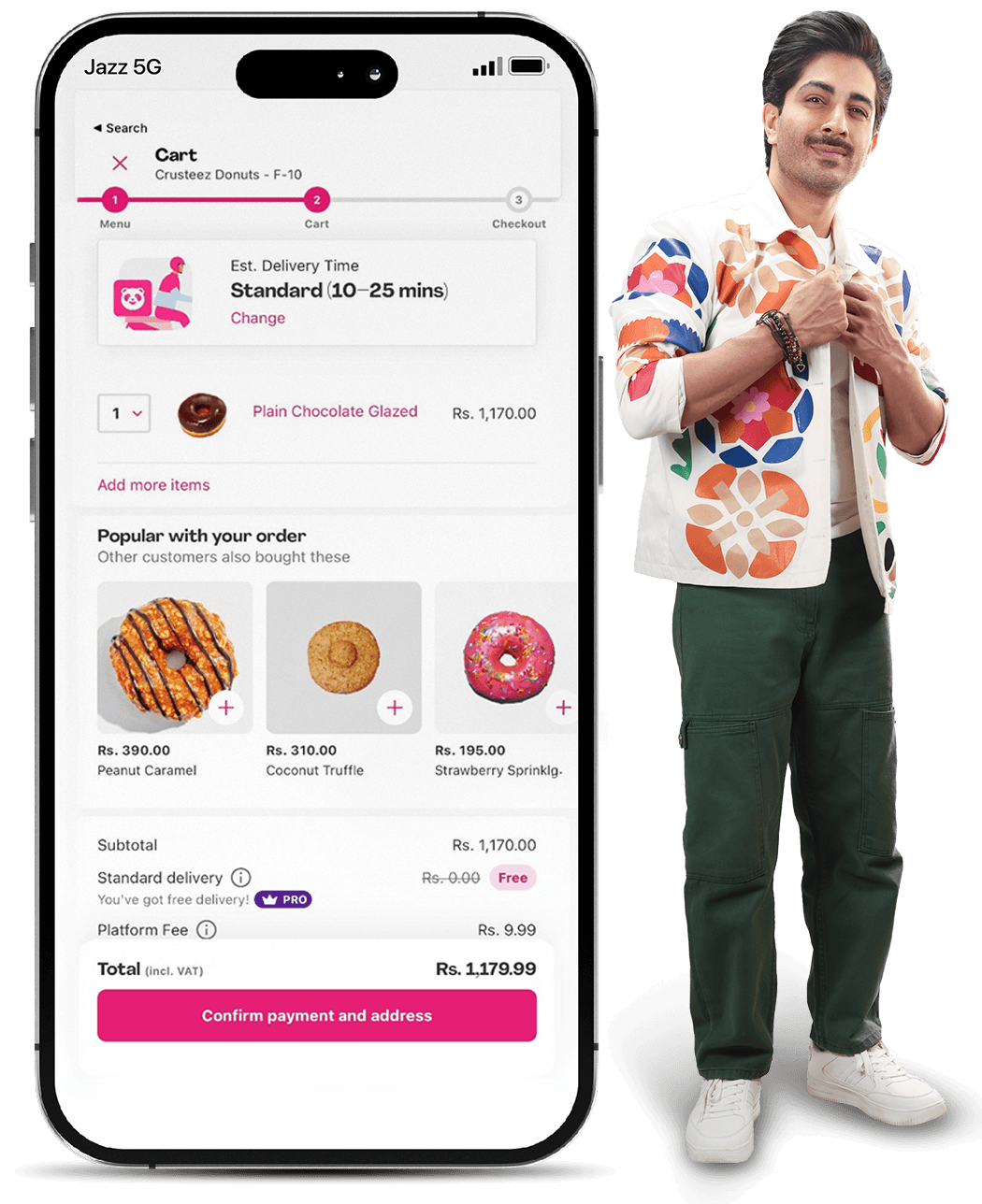
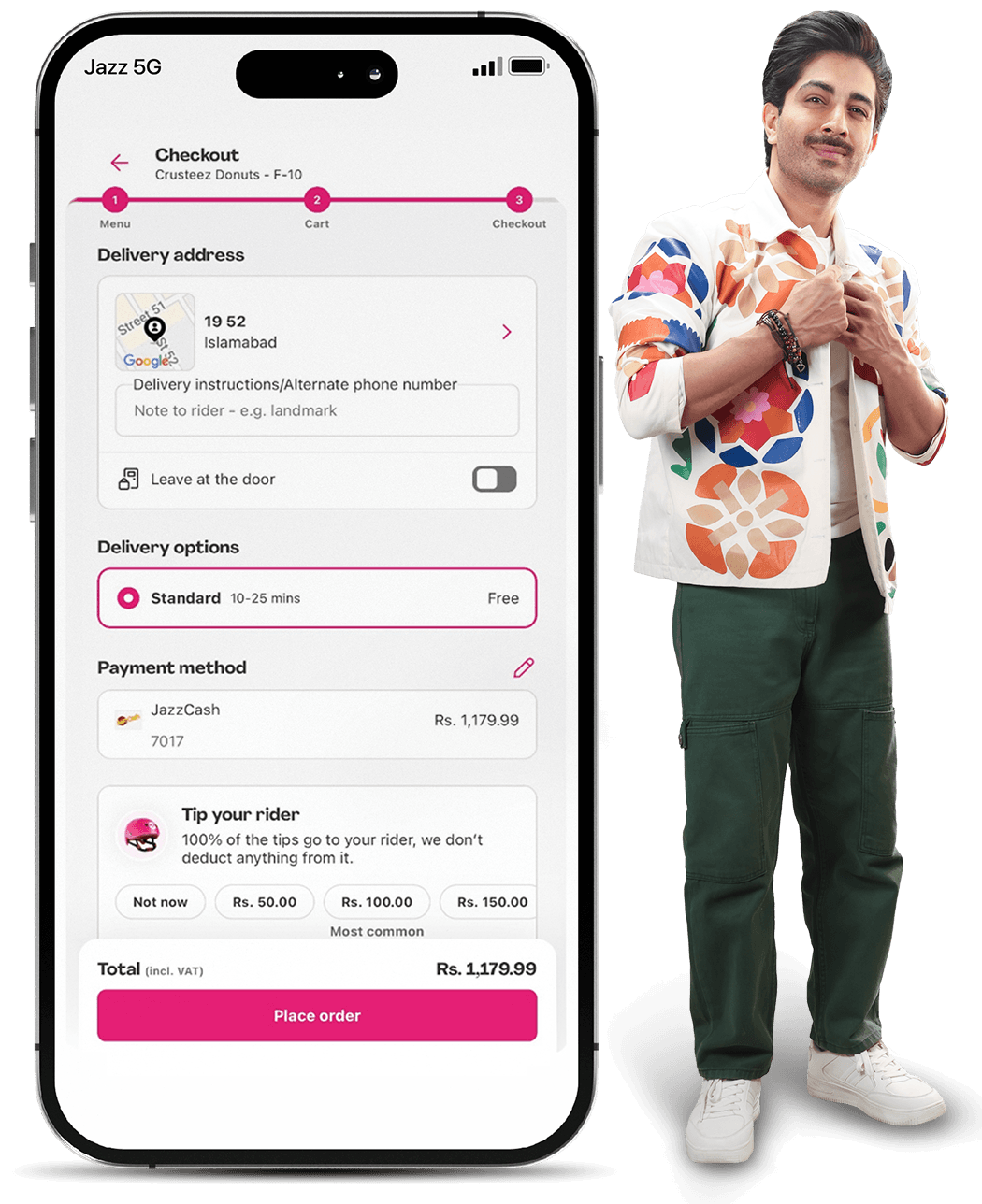
Open App/Website and select the product

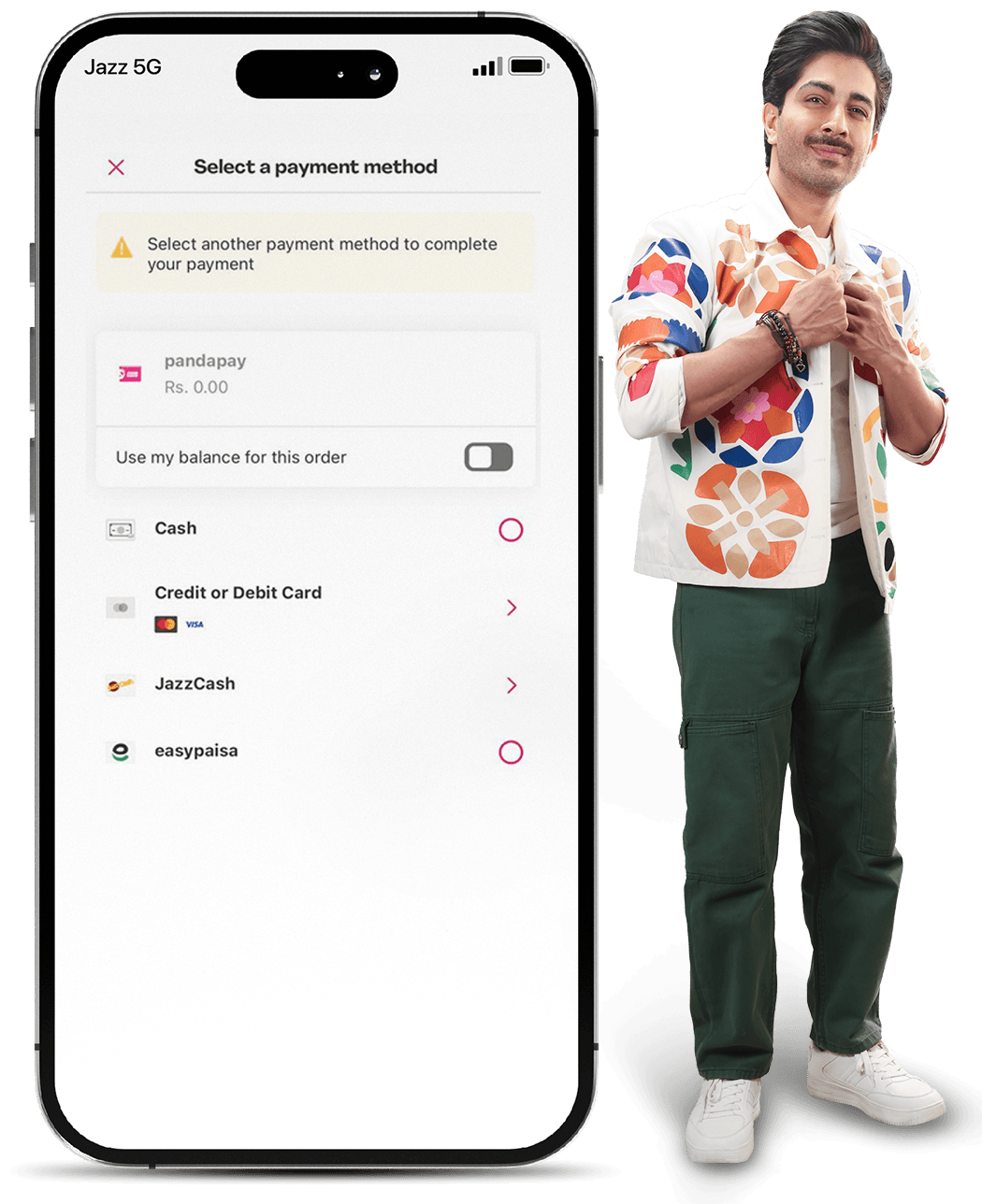
Select JazzCash as payment method

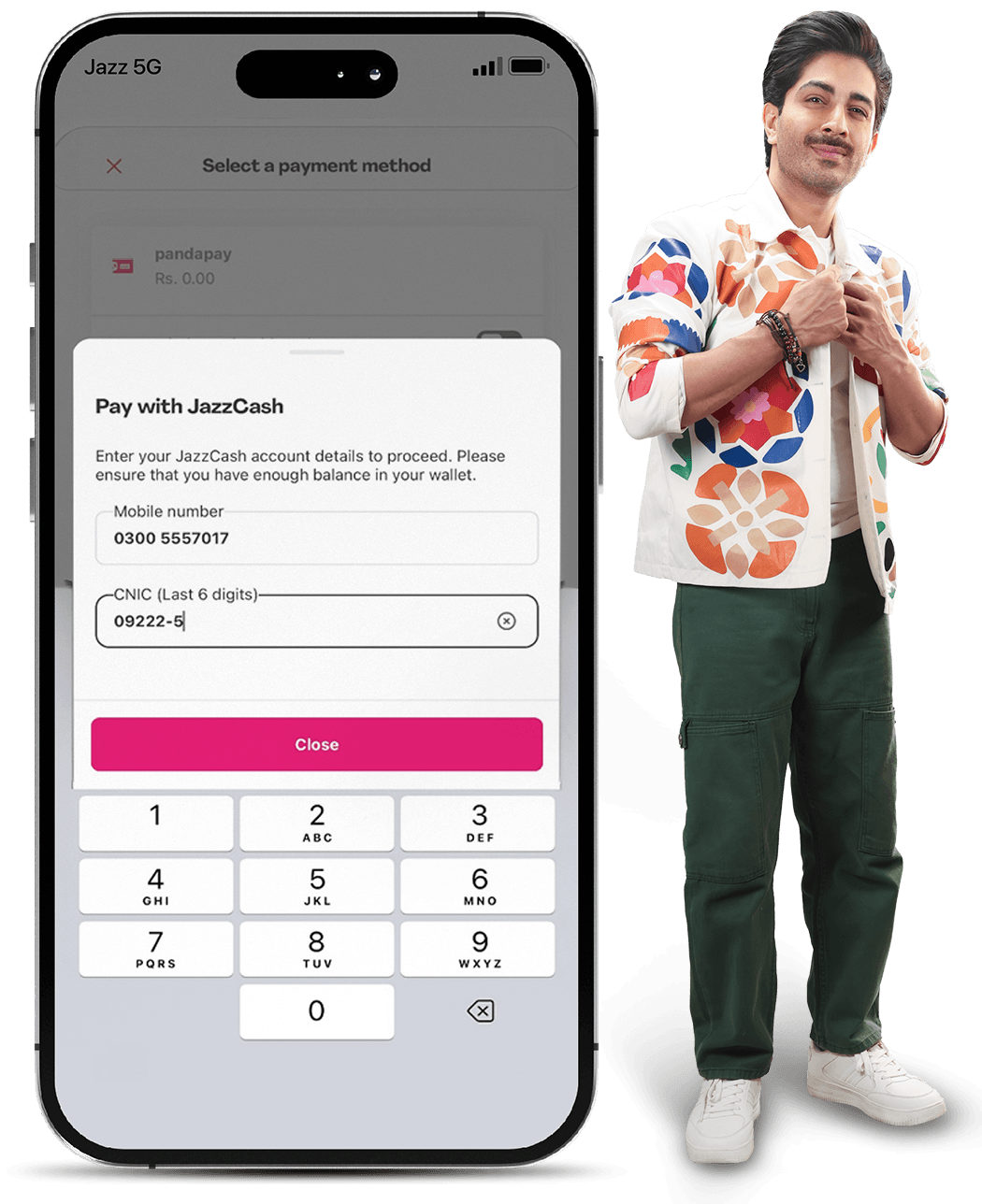
Enter JC Mobile No. & last 6 digits of CNIC (optional)

Confirm and Place Order

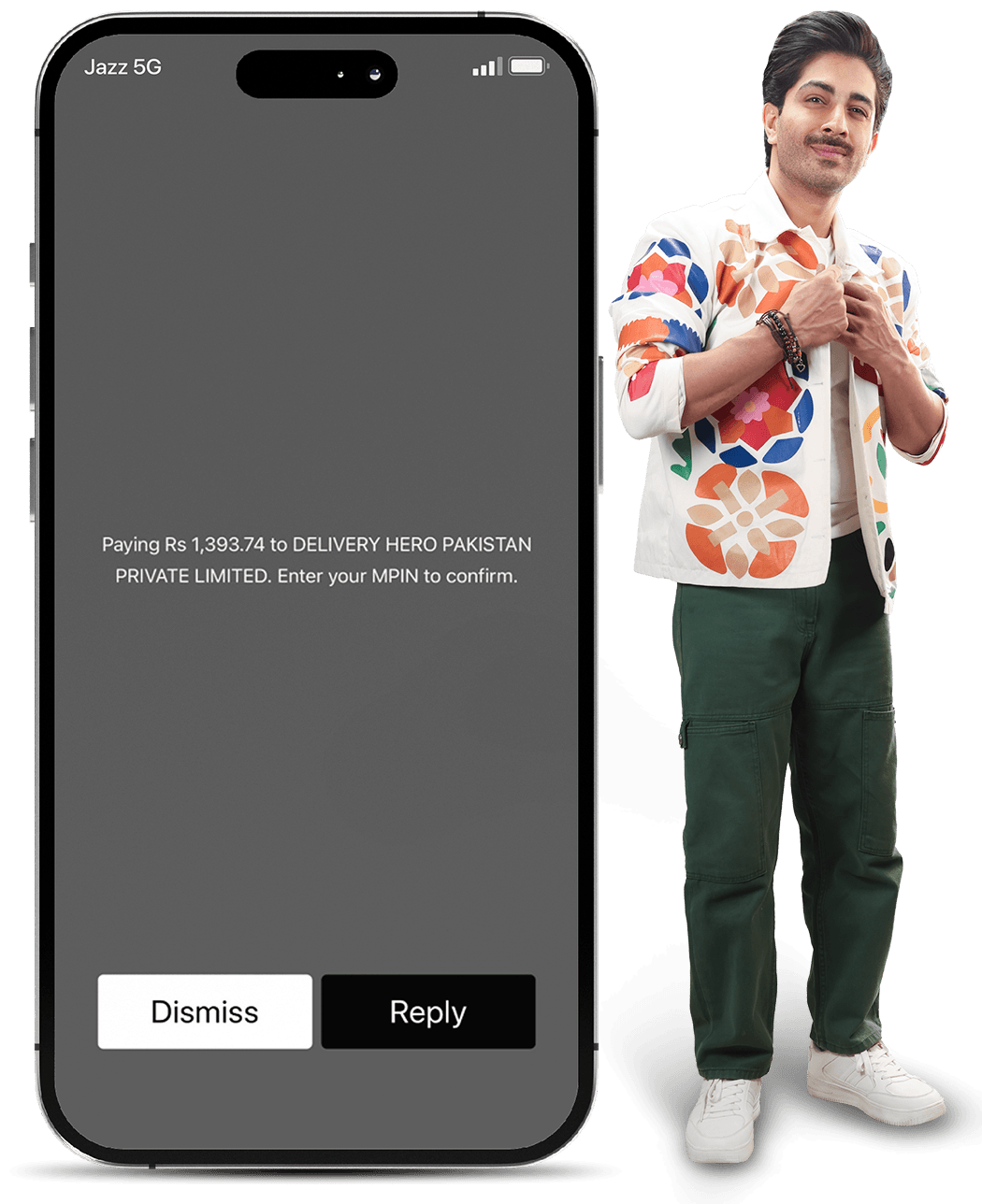
USSD Prompt – Proceed or Dismiss Transaction

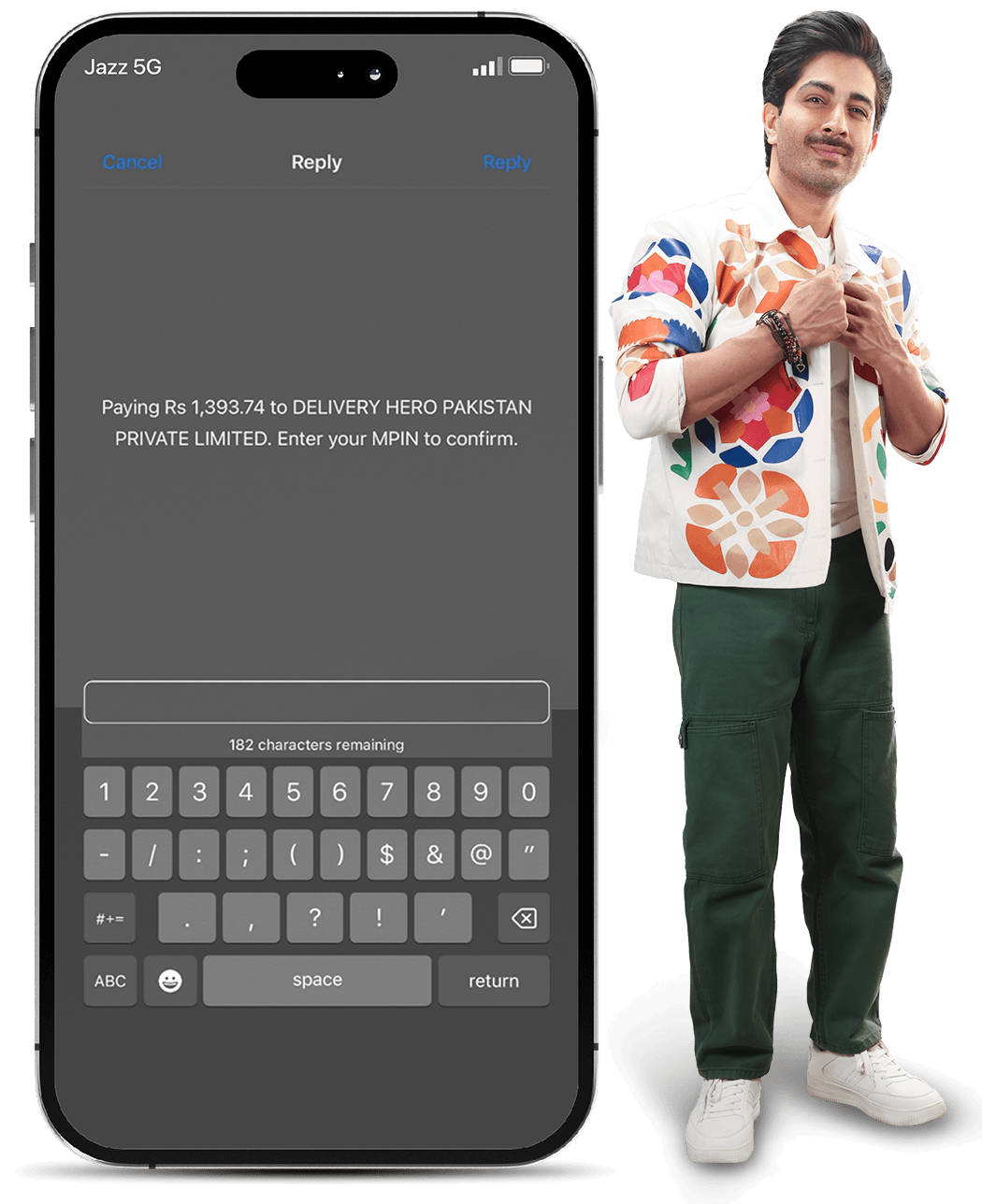
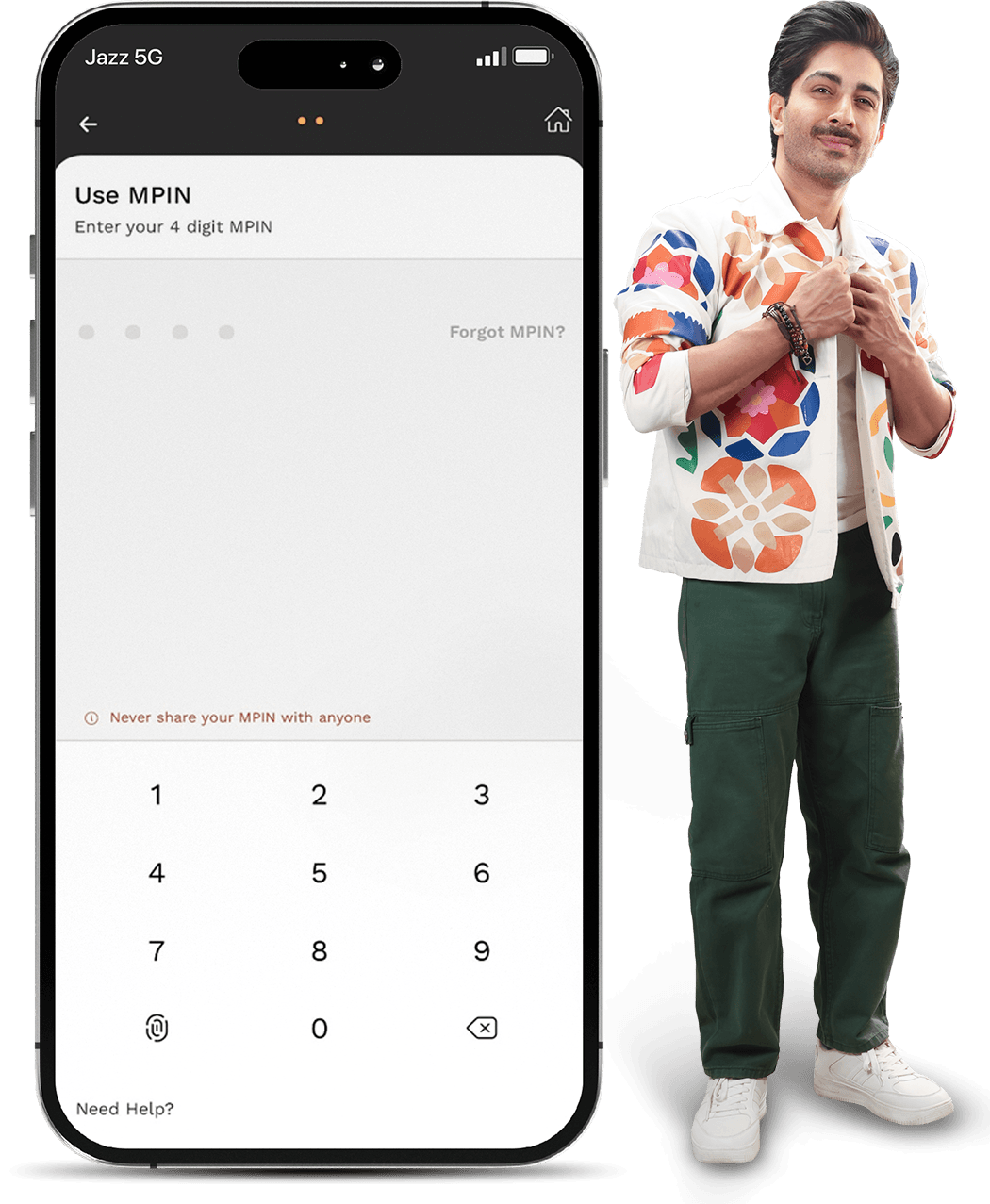
Enter MPIN to approve Transaction

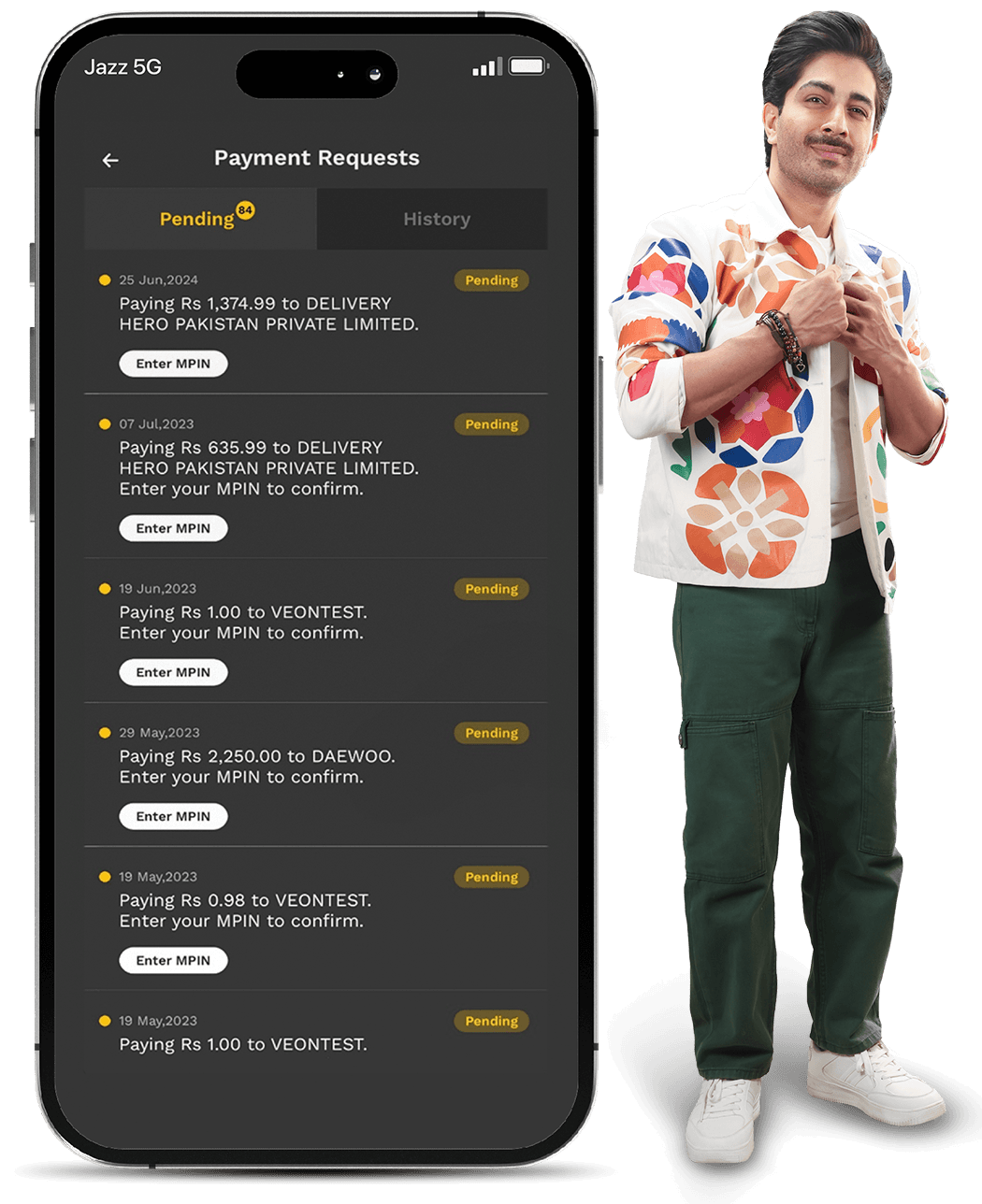
Open Payment Requests in JazzCash App

Enter MPIN to approve

Left Icon
Right Icon

FAQs

image
How can I pay using my JazzCash Mobile Account?

Select Mobile Account at checkout, enter your JazzCash number, approve the MPIN request on your phone, and receive a confirmation SMS once the payment is successful.

How can I pay using a Voucher?

Select Voucher Payment at checkout and enter your mobile number. You’ll receive a 12-digit voucher code via SMS. Pay the voucher through the JazzCash App, USSD, or any nearby JazzCash retailer before it expires.

I haven’t received the MPIN request on my mobile. What should I do?

The MPIN prompt will only appear if your mobile phone is unlocked. Please ensure your phone is unlocked and try again. If the issue persists, please call 4444 for further assistance.

Tap on Phone

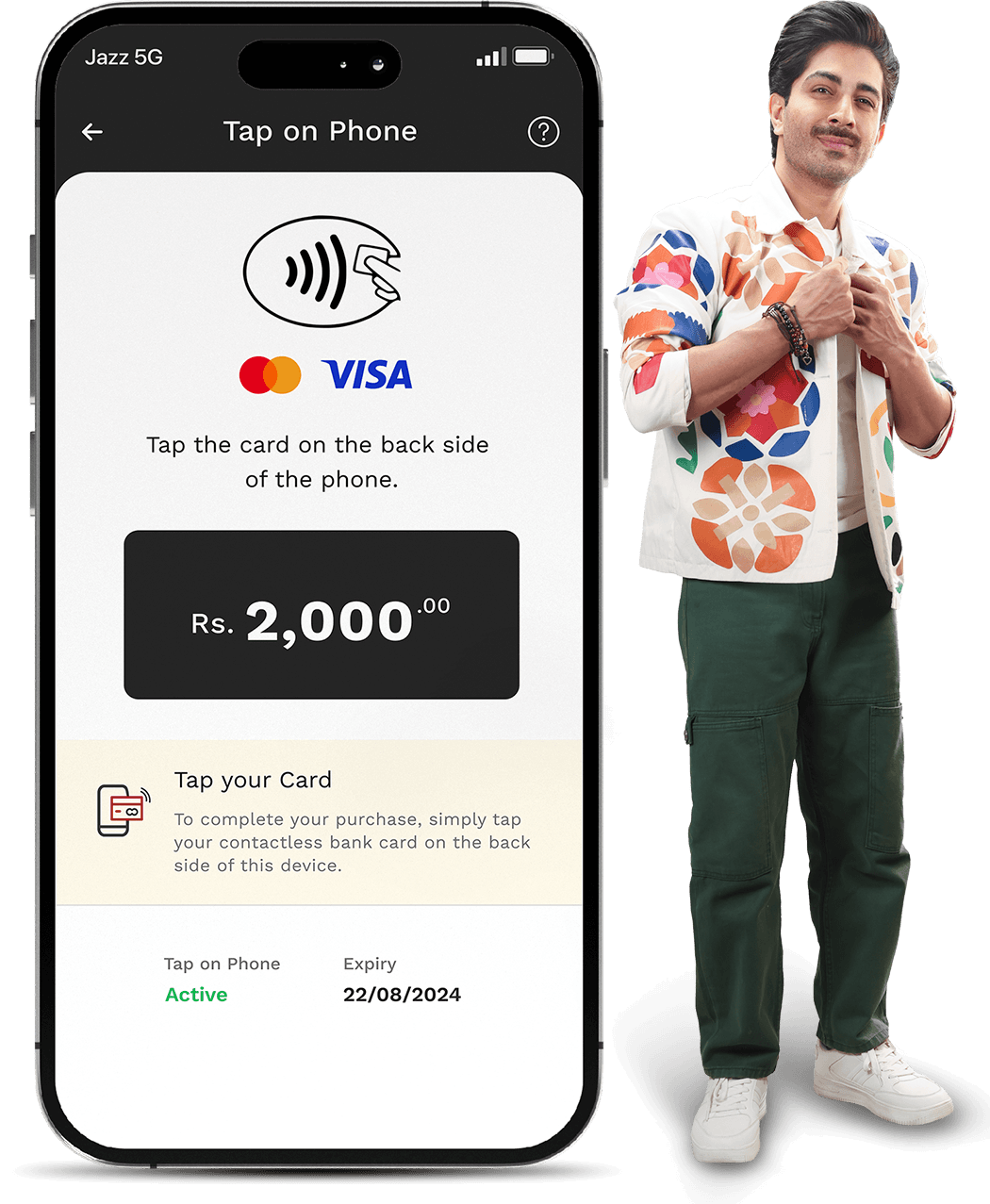
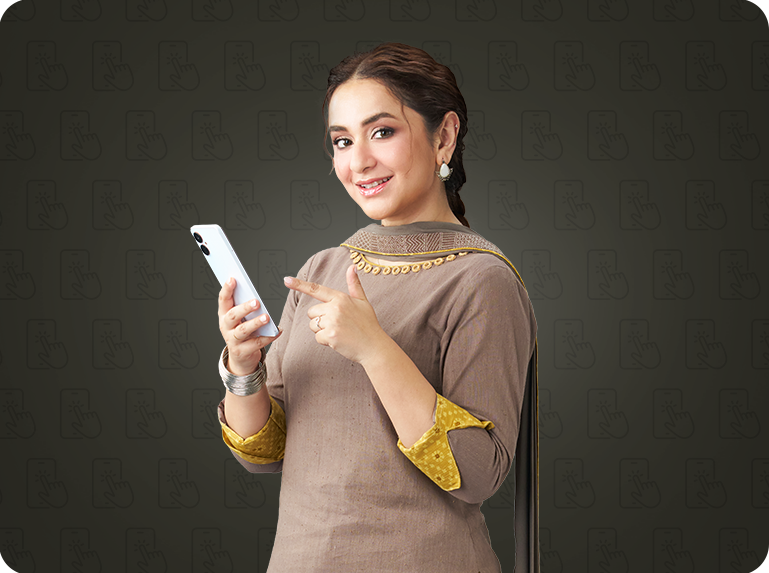
Tap on Phone transforms an NFC-enabled Android phone into a POS device. Merchants can accept debit and credit card payments by allowing customers to tap their card on the back of Merchant's phone.
Key Benefits

Accept card payments on phone

Accept card payments on phone

Encrypted and secure payments

Encrypted and secure payments

Reduce hardware costs

Reduce hardware costs

Accept payments anywhere

Accept payments anywhere

How It Works

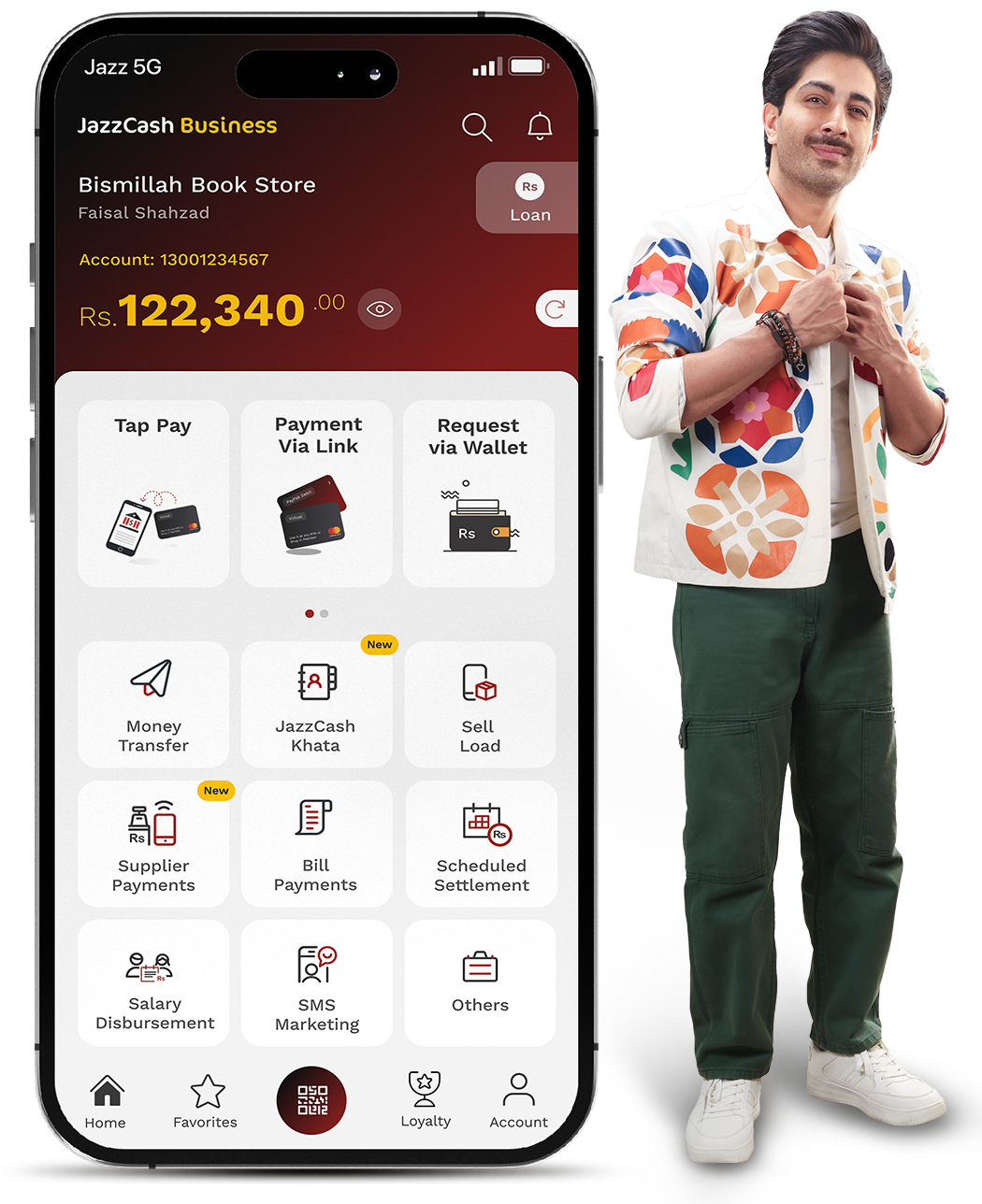
Select Tap Pay on your JazzCash Business App

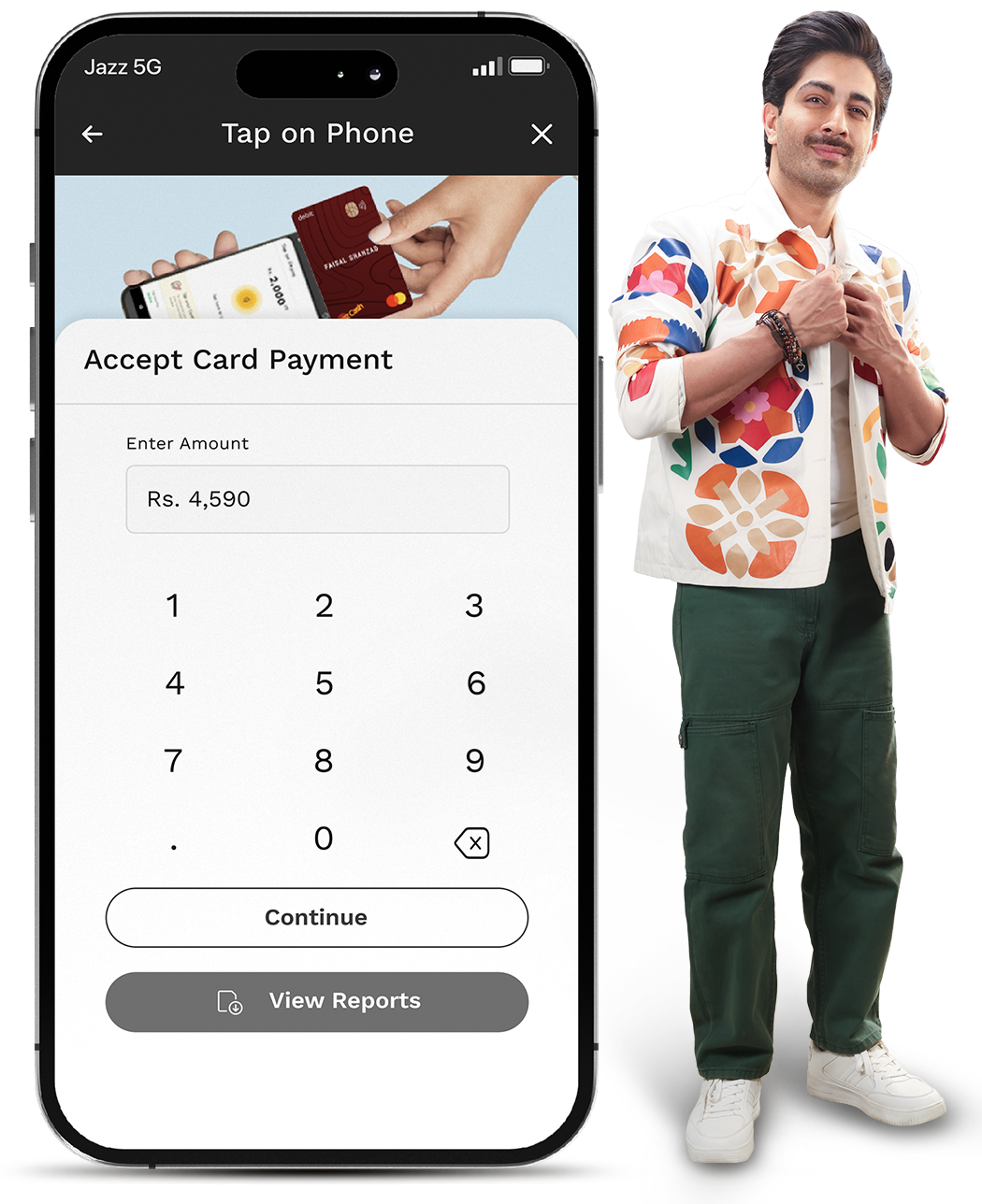
Enter the Amount to be charged

Tap Customer's Card on the back of your phone

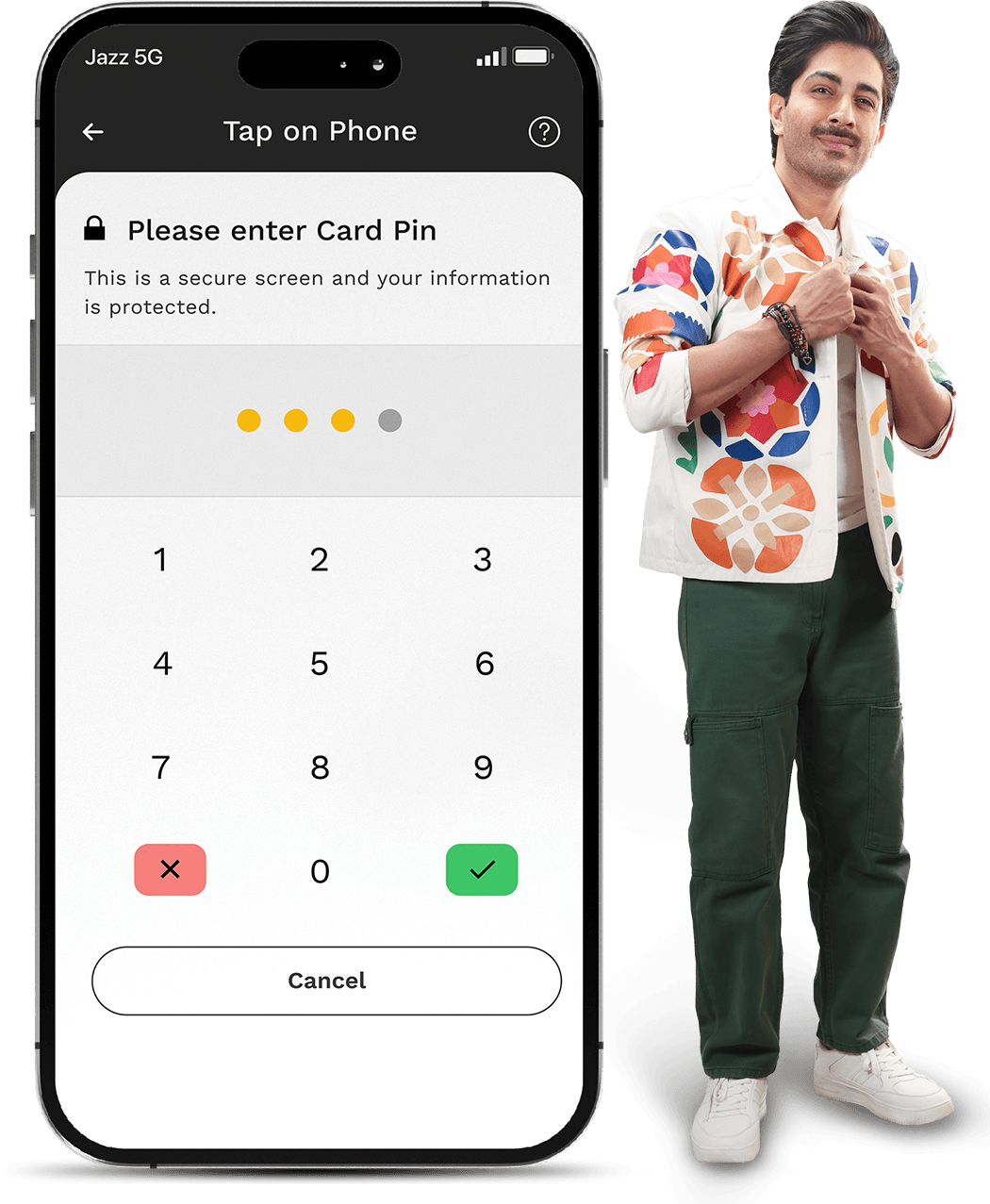
Enter Customer's Card Pin

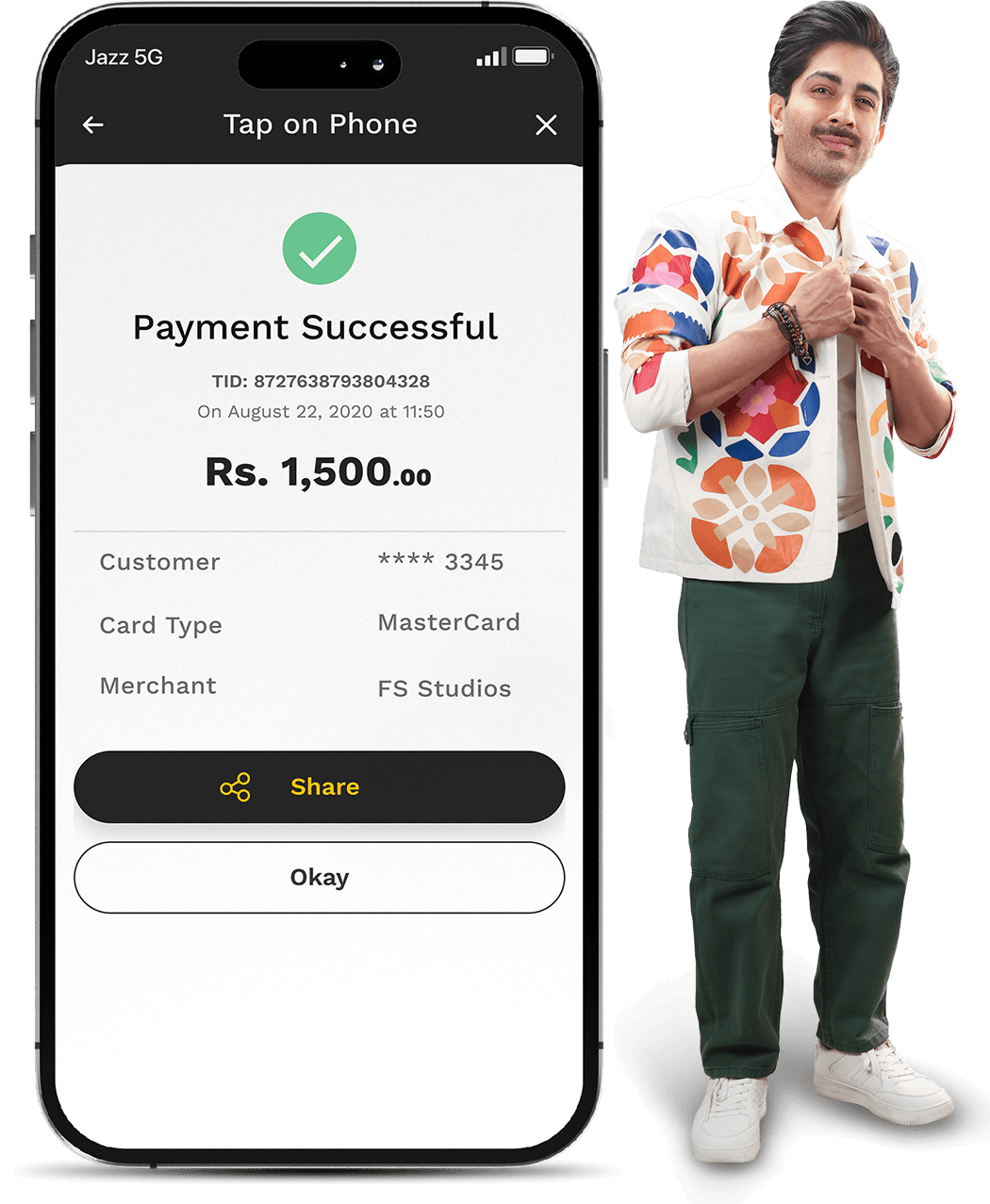
Check Transaction Receipt

Left Icon
Right Icon

FAQs

image
Do I need a POS machine?

No, only an NFC-enabled Android phone is required.

Which cards are supported?

Major debit and credit cards supported by enabled networks.

Are transactions secure?

Yes, transactions follow industry encryption standards.

Are there processing charges?

Yes, MDR may apply as per agreement.

Disclaimer:
  • Available on compatible NFC-enabled devices only.
  • MDR/processing fees apply.
  • Subject to card network regulations.